
7 Best Sales Prospecting Tools in 2026

Sick of chasing dead leads and getting ghosted? I was, too. That’s why I tested the top sales prospecting tools available on the market to see which actually help you find real decision-makers, not just email addresses that never reply.
I ran outreach campaigns, checked data accuracy, and tested integrations to separate the must-haves from the overpriced disappointments. Some tools delivered high-quality leads, while others felt designed to waste your time (and budget).
If you’re done gambling on prospecting software, keep reading. I break down the 7 best sales prospecting tools in 2026 so you can focus on selling instead of searching.
Best Sales Prospecting Tools at a Glance
| Tools | Pricing | Capterra Rating |
|---|---|---|
| LinkedIn Sales Navigator | $119.99/month (billed monthly). Free trial available. | 4.5 |
| Skrapp | Starts at $39/month (billed monthly). Free plan includes 100 monthly credits. | 4.5 |
| ZoomInfo | Available as annual plans only, ranging from $1,000 to $5,000 per month. | 4.3 |
| Outreach.io | Pricing on request (typically $100–$400/month). | 4.4 |
| Apollo.io | Starts at $49/month. Free plan available. | 4.5 |
| Snov.io | Starts at $39/month. Free trial plan includes 50 credits. | 4.5 |
| HubSpot Sales Hub | Starts at $15/user/month. Free plan available. | 4.5 |
1. LinkedIn Sales Navigator

LinkedIn Sales Navigator is a prospecting tool built on top of LinkedIn's professional network, offering more advanced search and filtering than the standard platform.
It surfaces lead recommendations, tracks job changes, and shows engagement signals to help you time your outreach. Best suited for B2B sales teams using LinkedIn alongside email lookup tools.
Features:
- Advanced Search Filters: Lead account filters, including seniority level, years in role, headcount growth, and recent funding, most of which are exclusive to Sales Navigator
- Lead Recommendations: surfaces new prospects based on your saved leads and target criteria, with insights on why each is a good fit
- Real-Time Alerts: notifies you when saved leads change jobs, get promoted, or post on LinkedIn, helping you reach out at the right moment
- InMail Messaging: lets you message prospects outside your network directly, with support for subject lines, body text, and file attachments
- Account IQ (Advanced plans): AI-generated summaries of target accounts covering business priorities, recent news, and org structure to help you prepare for outreach
- Lead & Account Lists: save up to 10,000 leads and 10,000 accounts in organized lists, functioning as a lightweight CRM inside LinkedIn
- CRM Integration (Advanced Plus): connects directly with your CRM so lead data, alerts, and activity stay in sync without manual updates
Pricing:
Sales Navigator Core:
- Price: Approximately $119.99 per month if billed monthly.
- Features: Includes advanced search filters, 50 free InMail messages, lead recommendations, real‑time alerts on prospect activity, account tracking, and relationship mapping.
Sales Navigator Advanced:
- Price: Approximately $159.99 per user per month.
- Features: Includes all the Core plan features plus additional AI‑powered account insights (Account IQ), buyer intent signals, CRM embedded profiles, Smart Links for tracking engagement, TeamLink to leverage team connections, and enhanced reporting features.
Sales Navigator Advanced Plus:
- Price: Custom pricing based on the organization’s size and needs.
- Features: Includes all the Team plan features plus deep CRM integration (Salesforce/Microsoft Dynamics), automatic real‑time CRM data updates, direct lead/contact creation from the platform, and enterprise analytics or custom reporting for larger sales organizations.
LinkedIn Sales Navigator also offers a 30-day free trial for its Core and Advanced plans. The trial allows users to explore features such as lead and company search, lead recommendations, and InMail messaging. You can learn more about Sales Navigator pricing here.
Pros:
- Great for finding specific types of leads within a professional network.
- The platform provides personalized lead recommendations based on your search criteria and activity, helping you discover potential prospects you might have missed.
- Provides up-to-date information on prospects and companies.
Cons:
- Sales Navigator can be quite expensive, especially for smaller businesses or individual users. The cost might not be justifiable for everyone, particularly if the advanced features are not fully utilized.
- While Sales Navigator integrates with major CRM systems, the setup and integration process can sometimes be complex and may require technical support or additional customization. (The platform has a range of features and functionalities that can be overwhelming at first. Users may require some time to get accustomed to all the tools and settings.)
- The ability to send InMails and connect with a large number of users can lead to increased spammy outreach if not managed properly.
2. Skrapp.io
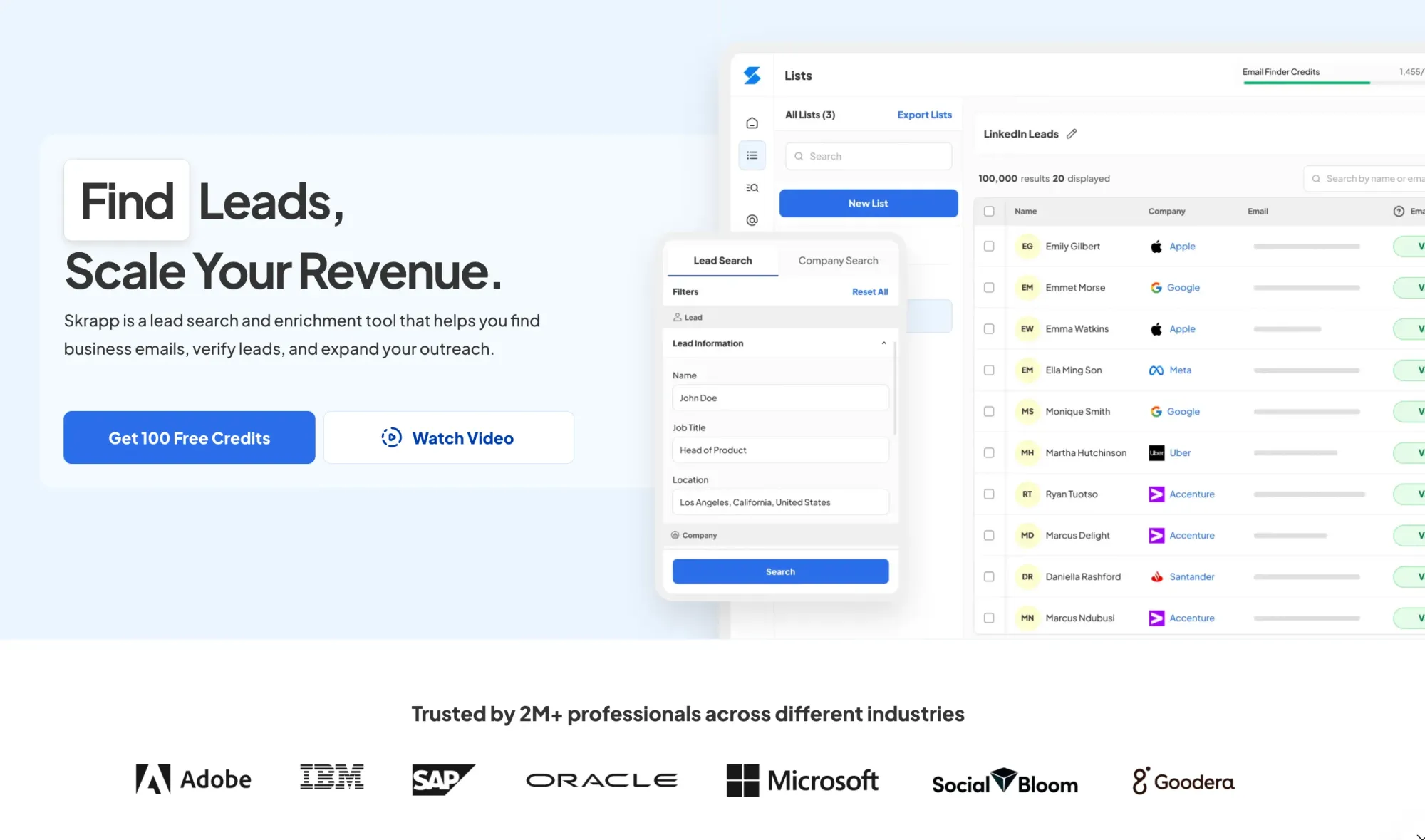
Skrapp.io is a B2B sales prospecting tool and email finder that pulls verified contact information from LinkedIn profiles and company pages. It's simpler and more affordable than many alternatives, with straightforward pricing and unused credits that roll over monthly.
Skrapp.io can be used as a standalone tool for lead search and contact enrichment, and it also integrates well with other platforms (HubSpot, Salesforce, and Pipedrive) that help prioritize leads and automate outreach.
This reflects a broader trend highlighted in G2’s report on AI Sales Intelligence in Prospecting, where AI tools are increasingly used not only to find contacts, but also to decide who to contact first and when.
Features:
- Email Finder: Skrapp.io helps users find email addresses associated with specific domains or LinkedIn profiles. This feature is useful for reaching out to potential leads or decision-makers.
- Search by Name or Domain: You can search for email addresses linked to specific names or domains, helping you build lists of contacts from particular companies or industries.
- Chrome Extension: Skrapp.io offers an extension that lets users find email addresses directly from LinkedIn and other web pages, making it easier to gather information on the go. This extension is conveniently available for both Chrome and Firefox users.
Pricing:
- Free Plan: 100 email credits/month for 1 user.
- Professional: 1,000 email credits/month for 2 users; starts at $39/month ($30/month when billed annually).
- Enterprise: 50,000 email credits/month for 15 users; $349/month billed monthly or $262/month when billed annually (25% savings).
Pros:
- Simple, intuitive interface that's easy to pick up without much technical experience.
- Maintains a 92% average email search success rate and 97%+ verification accuracy, with credits only deducted when an email is found and confirmed as deliverable.
- Affordable pricing with credits that roll over monthly, which is useful for teams that don't prospect at a constant pace.
Cons:
- Some users report limitations in the number of emails they can find or verify.
- It doesn't include outreach or sequencing features, so it works best when paired with a separate sales engagement tool.
3. ZoomInfo
ZoomInfo is a large B2B sales data platform that provides contact details, company information, org charts, and buying intent signals. It's one of the more comprehensive options available, covering both data enrichment and outreach tooling in a single platform.
The database is strong for U.S. companies and contact coverage. It's an enterprise-level tool with pricing to match, so it works best for larger teams with significant prospecting volume.
Features:
- Lead and Account Enrichment: The platform provides additional details about leads and accounts, including company financials, recent news, and organizational changes. This helps in crafting more informed and personalized outreach.
- Advanced Filtering: Use complex filters to narrow down prospects.
- Intent Data: ZoomInfo offers intent data that signals when a company or individual is in the market for specific products or services. This can help prioritize outreach efforts.
Pricing:
ZoomInfo offers 3 plan types: Sales, Marketing, and Talent. ZoomInfo typically offers pricing plans tailored to different business needs. However, specific pricing details are often provided directly by ZoomInfo’s sales team, as they tailor quotes to individual requirements. Range can vary from 1000$/mo to 5000$/mo.
Pros:
- Strong CRM enrichment capabilities, it automatically fills empty fields and updates outdated records in Salesforce, HubSpot, and other platforms.
- Includes buying intent signals that alert your team when target companies are actively researching solutions like yours, helping prioritize outreach.
- Covers the full prospecting workflow in one platform, from contact data and intent signals to outreach sequences and pipeline management.
Cons:
- Cost for the services are not transparent, however it has a higher price point, which can be a barrier for smaller teams.
- The vast amount of data can be overwhelming to navigate.
- Pricing is often quoted annually, so breaking it down to a monthly rate is an approximation. Annual contracts might offer better pricing compared to monthly terms.
4. Outreach.io
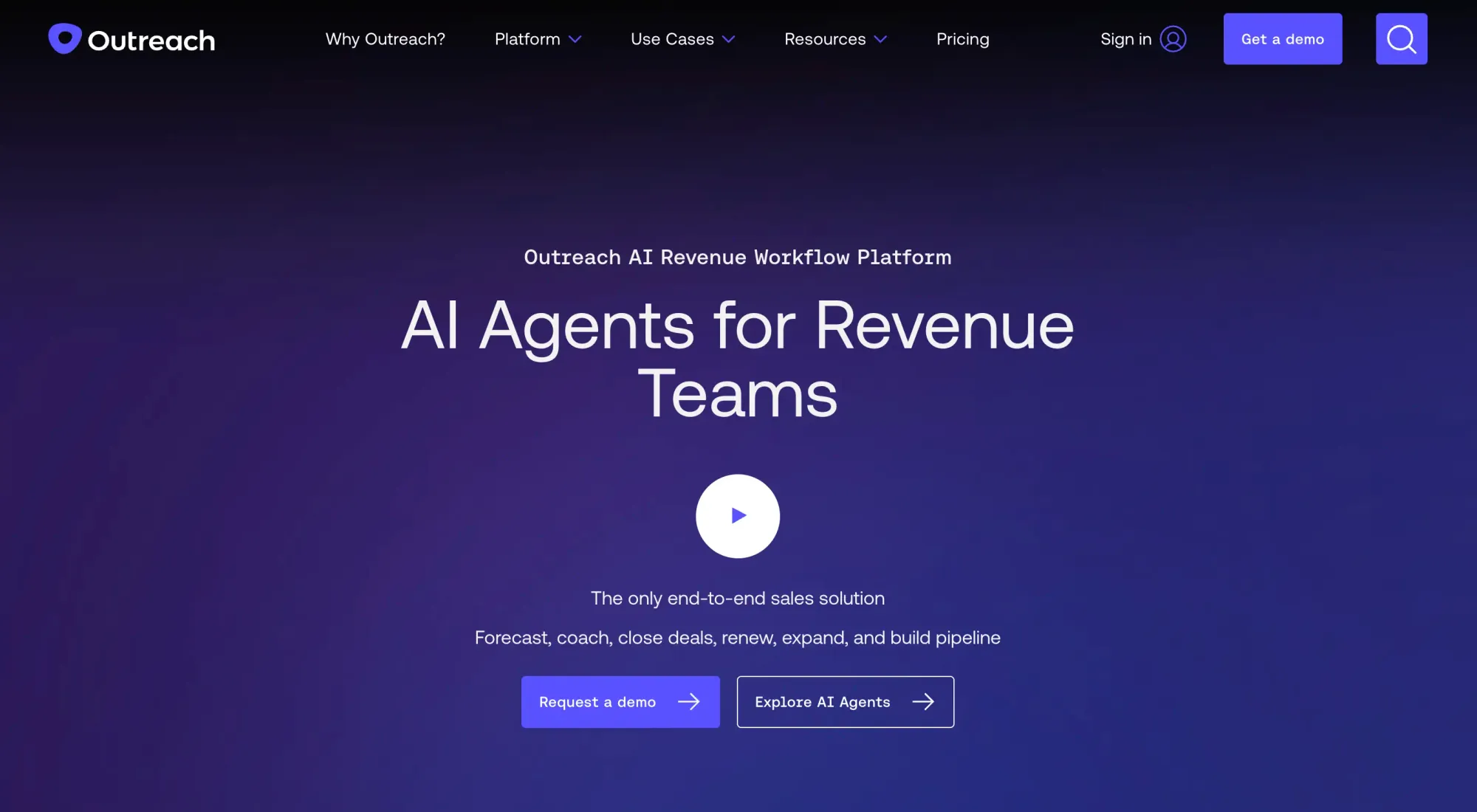
Outreach.io is a sales engagement platform centered around managing and automating multi-step outreach sequences across email and phone. It tracks how prospects interact with your messages and includes AI-based recommendations to refine your approach over time.
It integrates closely with Salesforce and other CRMs, making it a good fit for teams with established sales processes. It's less of a data tool and more focused on organizing and improving how outreach is executed.
Features:
- Sales Automation: Automate email sequences, follow-ups, and task assignments.
- Multi-Channel Outreach: Manage outreach across email, calls, and social media.
- Analytics and Reporting: Detailed insights into outreach performance and engagement.
- Training and Support: Offers training resources and customer support to help users effectively leverage the platform’s features and get the most out of their investment.
Pricing:
Outreach typically does not publish specific pricing details online, as costs can vary based on factors such as your team size, the features you need, and any required customizations.
Range can vary from $100/mo to $400+ per user.
Pros:
- Multi-step email and call sequences with detailed engagement tracking across the full outreach process.
- Deep, bi-directional Salesforce integration with real-time data sync.
- Good team visibility into rep activity and pipeline progress for managers.
Cons:
- Setup and onboarding take time, and some teams need a dedicated admin to manage configurations.
- Pricing is not publicly listed and tends to be expensive for smaller teams.
- No built-in contact database; it requires a separate tool for sourcing prospects.
5. Apollo.io
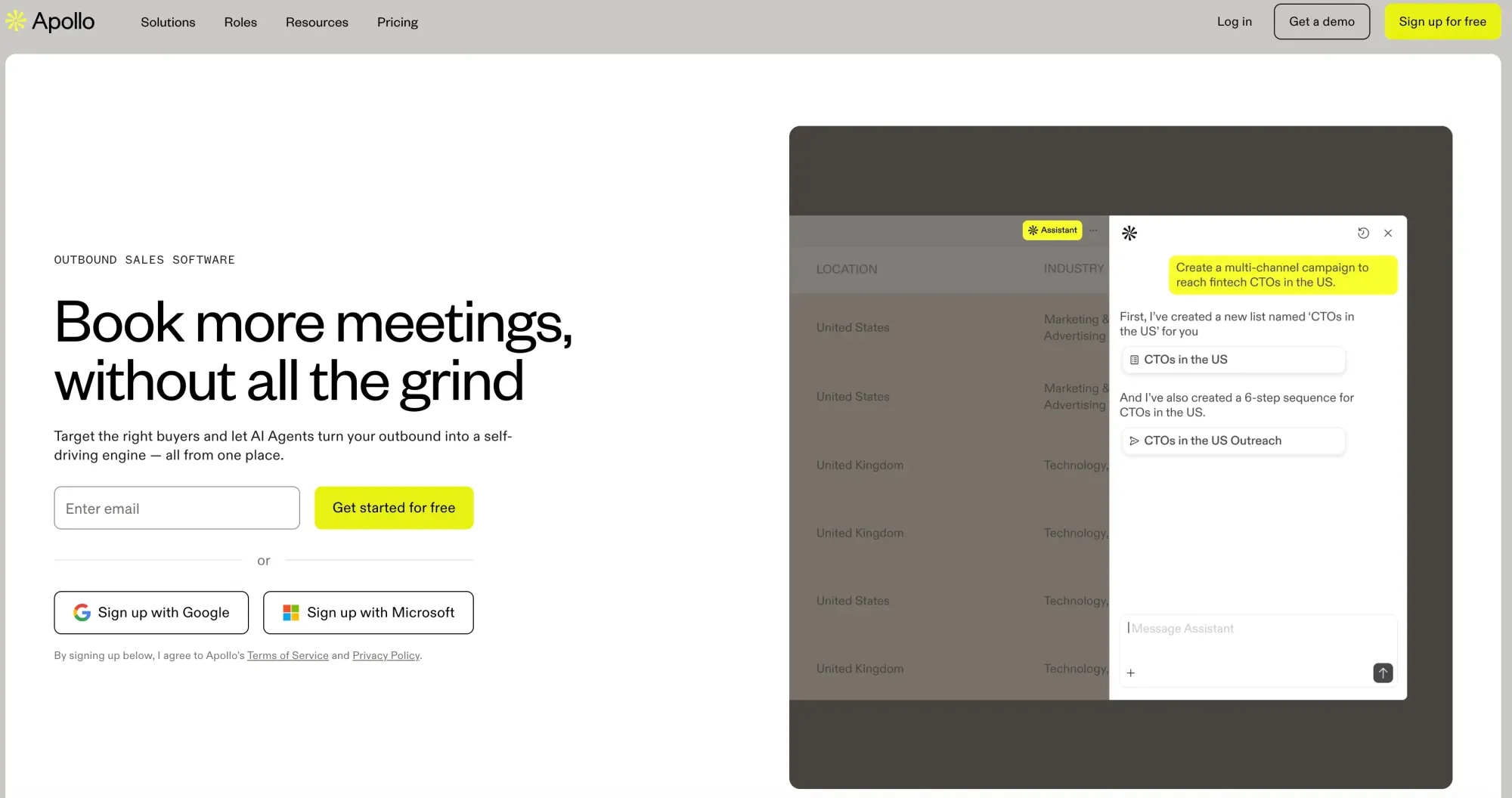
Apollo.io combines a B2B contact database with built-in sequencing and pipeline management tools. It covers both the data and outreach aspects of prospecting, reducing the need for multiple separate tools.
Pricing is more accessible than enterprise platforms like ZoomInfo, making it a common choice for smaller teams. It works well as an all-in-one starting point, though larger teams may eventually outgrow some of its features.
Features:
- Lead Generation: Access a large database of contacts and companies.
- Email Outreach: Tools for creating and managing email campaigns.
- CRM Integration: Integrates with various CRM systems to enable a seamless workflow.
- Multi-Channel Outreach: Supports communication via email, phone, and social media.
Pricing:
Apollo.io offers several pricing tiers to accommodate different business needs.
- Free Trial: Includes 75 email credits/month per account along with 2 sequences and basic filters.
- Basic: Includes min 2,500 email credits/month per account, unlimited sequences, AI research, and AI lead scoring at 59$/mo.
- Professional: Includes min 4,000 email credits/month per account, advanced filters, and CRM integrations at 99$/mo.
- Organization: Includes min 6,000 email credits/month per account, advanced security configurations, your own LLM API key at 149$/mo.
Pros:
- Combines a large contact database with outreach sequences, enrichment, and pipeline management
- Advanced search filters let you segment prospects by industry, role, seniority, company size, and technologies used, making it easier to build targeted lists.
- One of the most affordable platforms that covers both data and outreach in one place, with a generous free tier for small teams and solo reps.
- Integrates with Salesforce, HubSpot, LinkedIn, Gmail, and Outlook, ensuring compatibility with most existing workflows.
Cons:
- Data accuracy varies by industry and region, and phone numbers tend to be less reliable and require manual verification.
- Credit usage rules change frequently, and users on annual plans have reported not benefiting from those changes mid-contract.
- The interface can feel cluttered, given the number of features.
6. Snov.io
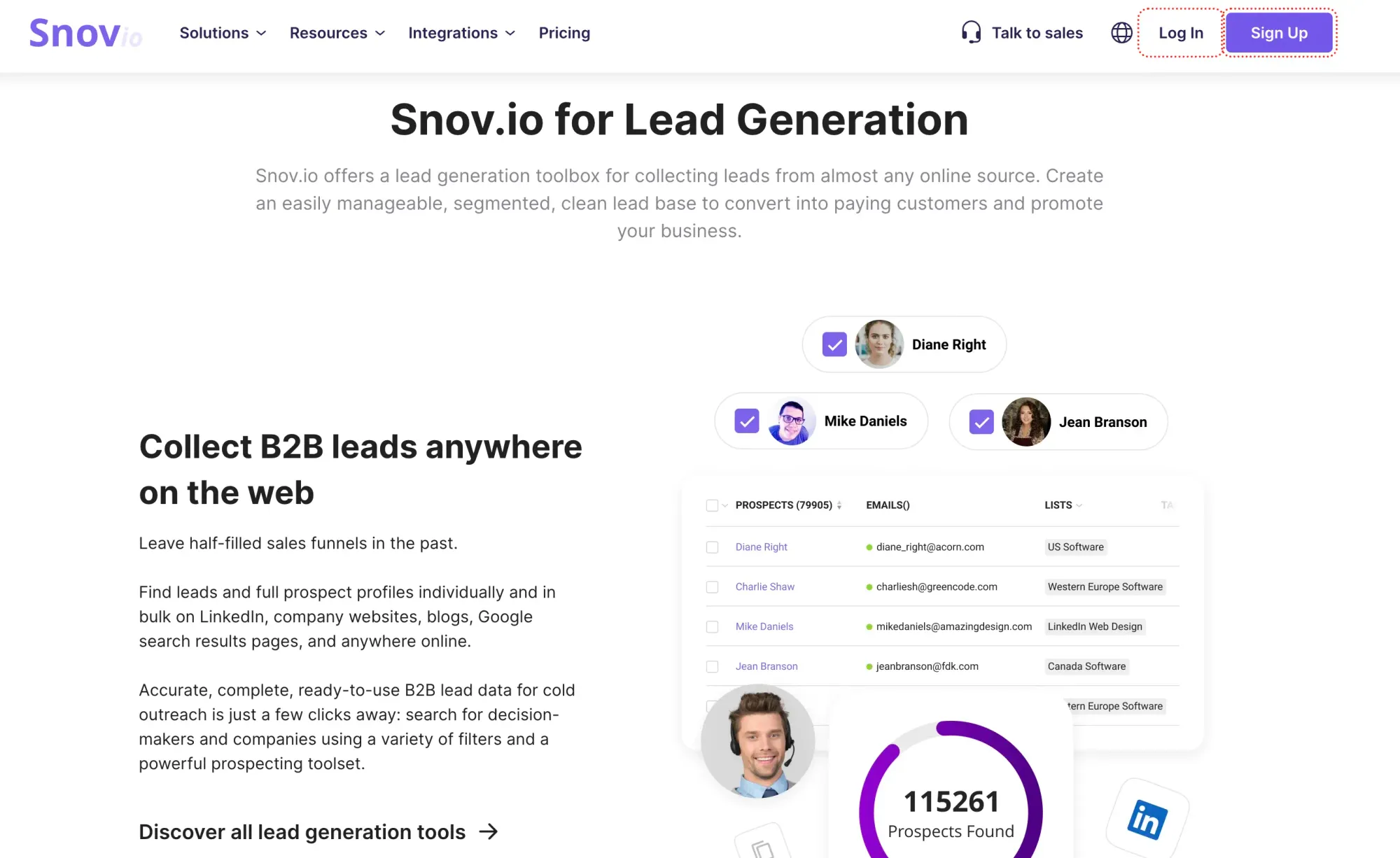
Snov.io is a sales prospecting and outreach automation tool designed to help businesses find leads, verify contact information, and efficiently execute personalized email campaigns.
Pricing is affordable compared to most alternatives, and the interface is relatively easy to learn. It's a reasonable option for smaller teams or early-stage companies building out their outbound process.
Features:
- Lead Generation: Access an extensive database of verified emails and company contacts.
- Email Finder & Verification: Find and verify email addresses to ensure deliverability.
- Cold Email: Automate personalized email sequences for effective outreach.
- CRM Integration: Connect with popular CRM platforms to streamline workflow.
- Technology Lookup: Identify the technology stack used by target companies.
Pricing:
Snov.io offers flexible pricing plans for businesses of all sizes.
- Free Trial: Includes 50 credits for lead searches and email verifications.
- Starter: 1,000 credits per month at $30/mo.
- Pro: 5,000 credits per month at $75/mo.
- Custom Ultra: Custom pricing for enterprise-level prospecting needs.
Pros:
- Supports multichannel campaigns that combine email and LinkedIn touches into a single automated flow.
- Includes a deliverability toolkit with spam risk monitoring, inbox placement checks, and domain diagnostics.
- includes outreach sequences, LinkedIn automation, email warm-up, and a built-in CRM in one platform.
Cons:
- Smaller database compared to Apollo.io or Lusha.
- Verified emails can still occasionally bounce, and the dashboard can feel cluttered when managing multiple campaigns simultaneously.
- LinkedIn automation is a separate add-on and is not included in the standard plans by default.
7. HubSpot Sales Hub
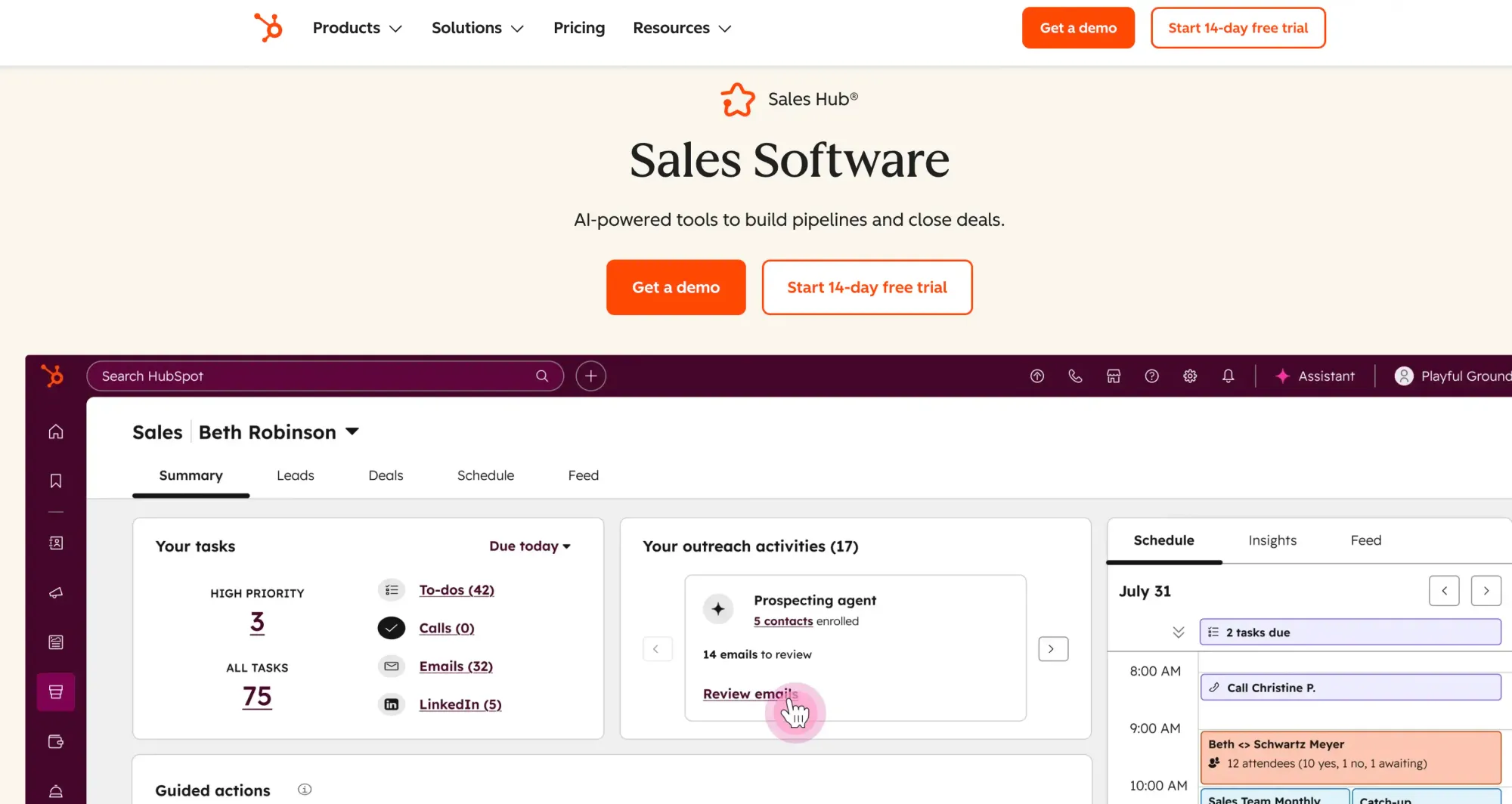
HubSpot Sales Hub is a unified sales solution with particularly powerful prospecting tools. The platform includes numerous AI-powered features to support lead generation, from automated CRM data enrichment for prospect research to personalized email outreach sequences.
Features:
- Breeze Prospecting Agent: Use the platform’s dedicated prospecting AI assistant to surface relevant prospect information from publicly available resources, and use these details to craft hyper-personalized outreach emails.
- Email automation: Set up automated email outreach campaigns at scale—complete with follow-up sequences and email tracking.
- Native CRM: Use the platform’s built-in CRM to track how leads move through the sales funnel, leave extra details under each contact in your list, prioritize contacts, and more.
Pricing:
- Free: Available for up to 2 users and includes basic sales and email tools.
- Starter: Starts at $15/user/mo and unlocks email automation, bulk data enrichment, and intent signals.
- Professional: Starts at $100/user/mo and includes access to Breeze Prospecting Agent, account-based marketing tools, sales analytics, and more.
- Enterprise: Costs $150/user/mo and offers features like deal journey analytics, lead form routing, and automatic data enrichment from call transcripts.
Pros:
- Intuitive UI despite the platform’s complexity.
- Can work along with HubSpot’s marketing and customer service solutions to give you a unified overview of customer data.
- The free plan is a solid option if you’d like to see how the platform works without being limited by a time-based free trial.
Cons:
- Steep price gaps between packages might make scalability challenging.
- Credit-based AI features: Some AI features require credits, which are limited by your selected pricing plan.
These tools each offer unique features and benefits that can greatly enhance your sales prospecting efforts. Choosing the right one will depend on your specific needs, budget, and the prospecting aspects most important to your team.
How to Choose the Right Sales Prospecting Tool?
Choosing the right sales prospecting tool is one of the more consequential decisions a sales team can make. The wrong pick wastes budget and slows down your pipeline. Here's what to work through before committing.
1. Define Your Needs and Goals
Start by identifying where your current B2B prospecting process actually breaks down. Are you spending too much time finding leads, dealing with bad contact data, or losing track of follow-ups? Once you know the problem, set a clear objective, whether that's better lead quality, faster outreach, or cleaner data, so you have something concrete to evaluate tools against.
2. Consider Key Features
Working through a few key criteria before committing will save you time, budget, and the headache of switching tools six months in.
- Lead Generation and Research: Look for tools that help find and qualify leads. Features like data enrichment, lead scoring, and company insights can be valuable.
- CRM Integration: Ensure the tool integrates seamlessly with your existing CRM system for smooth data flow and management.
- Email Tracking and Automation: Features such as email tracking, automated follow-ups, and template management can save time and improve effectiveness.
- Analytics and Reporting: Choose a tool with robust analytics to track performance, measure success, and refine your strategy based on data.
The features that matter most tend to cluster around two core needs: data quality and workflow fit. Before committing, check whether the tool genuinely covers both sides, and whether the reporting is detailed enough to drive real decisions, not just vanity metrics.
3. Ease of Use
A tool your team doesn't use delivers no value. The interface should be straightforward enough that reps can get productive quickly. Check whether the vendor provides onboarding resources and responsive support; both matter more than they seem, especially during the first few weeks.
4. Integration Capabilities
Verify the tool connects with your existing CRM, email platform, and any marketing automation tools you rely on. If your setup has specific requirements, check whether an API is available for custom integrations before you commit.
5. Budget and Pricing
The listed price is rarely the full cost. Some tools charge per user; others charge per credit or usage volume; and many add fees for features not included in base plans. Map out what your actual usage would look like and factor in how costs might grow as your team scales.
6. Reputation and Reviews
Look at reviews on G2 and Capterra, focusing on feedback from teams similar in size and industry to yours. Testimonials on vendor websites tell one side of the story; independent reviews give you a fuller picture. Peer recommendations from people who've used the tool in a real sales environment are especially valuable.
7. Trial and Evaluation
Most tools offer a free trial or a limited free tier. Use it to test the tool in actual prospecting scenarios, not just a demo walkthrough. Involve the reps who will use it daily, as their feedback on usability and fit is often more reliable than any feature comparison chart.
To simplify the feedback collection process, you can use a QR code for Google Forms that links directly to a structured survey. This allows your team members to scan and respond on the go, which is especially useful during live demos or post-trial evaluations.
8. Future Proofing
Choose a vendor that delivers regular updates and keeps pace with the evolution of sales prospecting, particularly in AI-assisted features. Also, confirm that the tool complies with relevant data regulations such as GDPR and CCPA, especially if you're prospecting in international or regulated markets.
FAQs: Best Sales Prospecting Tools
What is a sales prospecting tool?
A sales prospecting tool helps you find, qualify, and reach potential customers. It can automate lead generation, verify email addresses, provide contact details, and track outreach efforts. Tools like Skrapp.io, Hunter, and ZoomInfo streamline the process so sales teams can spend more time closing deals instead of hunting for leads.
What are the 5 P’s of prospecting?
The 5 P’s of prospecting are Preparation, Personalization, Persistence, Prioritization, and Process.
- Preparation: Research your prospects before reaching out.
- Personalization: Tailor your messages to their pain points.
- Persistence: Follow up strategically without being spammy.
- Prioritization: Focus on high-value leads first.
- Process: Use a structured approach to keep your pipeline full.
What is the best tool for sales prospecting?
The best sales prospecting tool depends on your needs. If you want to find verified emails, Skrapp.io is a top choice. For LinkedIn prospecting, Sales Navigator is powerful. If automation is your thing, Apollo.io and Lusha offer great features. The best tool is the one that helps you efficiently find, qualify, and reach leads.
What is the best AI sales prospecting tool?
For teams focused on quickly finding verified contacts, Skrapp's AI B2B lead finder is a straightforward and cost-effective starting point. For broader AI-powered prospecting, Apollo.io and ZoomInfo lead the pack. LinkedIn Sales Navigator is the go-to for LinkedIn-based prospecting, and Outreach.io stands out when AI-driven sequencing and deal intelligence are the priority.
What is the most effective method of prospecting?
The most effective prospecting method depends on your industry and audience. Cold email, LinkedIn outreach, and warm calling are proven tactics. Referral-based prospecting works well if you have a strong network. Combining multiple methods with a solid follow-up strategy is key to success.
What is the best tool for B2B sales prospecting?
It depends on where your process breaks down. For finding and verifying business contacts from LinkedIn, Skrapp is a focused and affordable option. Apollo.io covers the full B2B workflow: data, outreach, and pipeline, making it the most practical all-in-one choice for most teams. ZoomInfo leads on data depth and intent signals, but the price reflects that.
What is the best sales prospecting tool for SaaS companies?
For leaner teams building targeted LinkedIn lists, Skrapp keeps the process simple and makes it affordable to start. SaaS teams that need technographic filters, growth signals, and role-based targeting will value Apollo.io and ZoomInfo, both of which support this well. Outreach.io is the stronger pick for SaaS teams running structured high-volume outbound.
What is the best prospecting tool for solo sales reps?
Solo reps need fast setup, low cost, and no bloat. Skrapp is the most practical starting point, affordable, LinkedIn-native, and focused on accurate contact data. Apollo.io's free tier includes sequencing for reps who want built-in outreach. If phone outreach matters, Lusha surfaces direct numbers faster than most alternatives.